Save anything.Ask it later.
Nook is a memory you never have to organize. Save once, ask in your own words.
No folders. No tags. Just ask.
Join the waitlistHere, you stop hunting for what you saved and just ask for it.
You already have it. You just cannot put your hands on it.
One action to save — plain words to get it back
Bookmarks and read-later apps are good at saving. They fail at the part that matters.
Nook is built for getting it back

Save it wherever you are
Browser, phone, WhatsApp, or your AI client. One action, no note field, no decision to make.

Never organize anything
No folders, no tags, no collections. Nook tags everything in the background so you don’t have to.

Ask in your own words
“That paper on sleep from last month.” You get an answer, with the source.

Save it where you already are

Browser extension
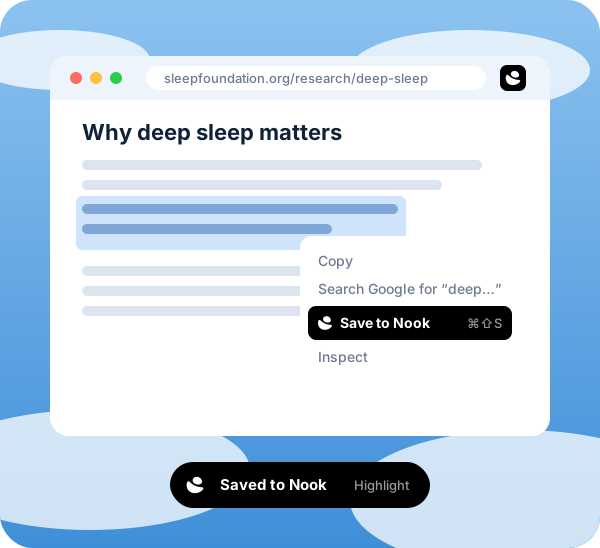
Right-click, or a keyboard shortcut. Highlight, full page, or screenshot. A toast, and it’s gone.

Share to Nook
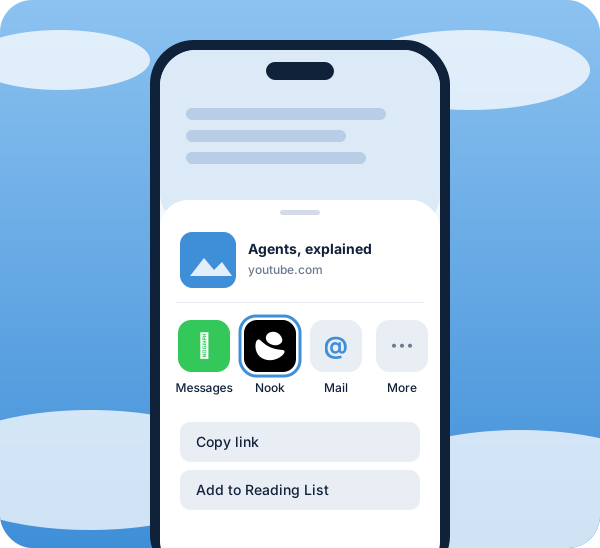
The iOS and Android share sheet. Any app that can share can nook.

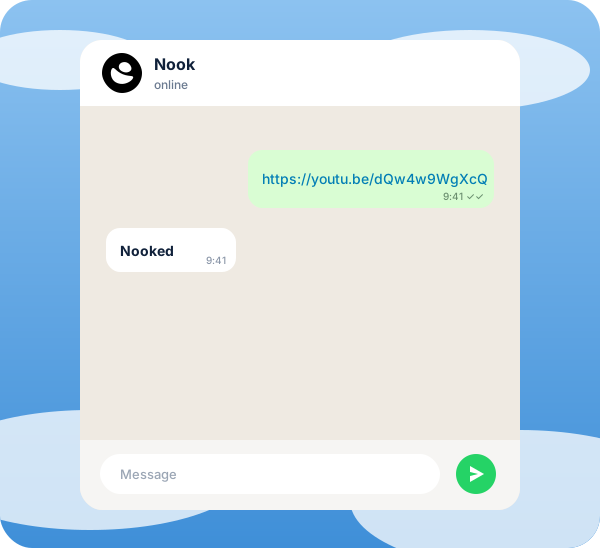
Send a link, a thought, or a photo to the Nook number. It replies with a deep link.

MCP
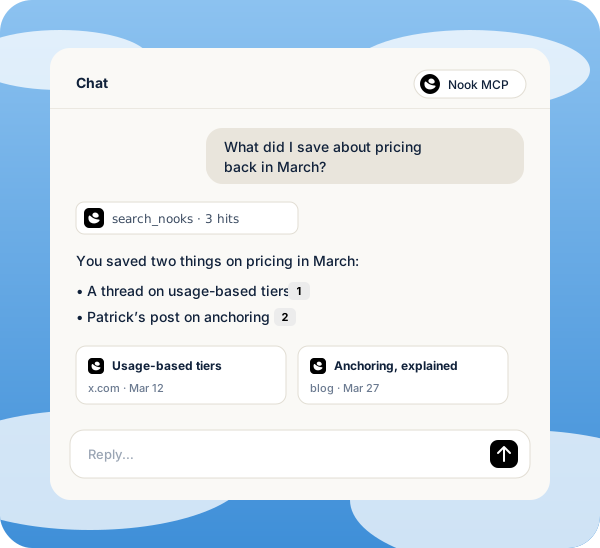
Plug your library into Claude or any MCP client. Search, ask, and add, without leaving the chat.
Four surfaces. One library.
Nothing to file.
Meet Ask. The half of a second brain every other app skips.
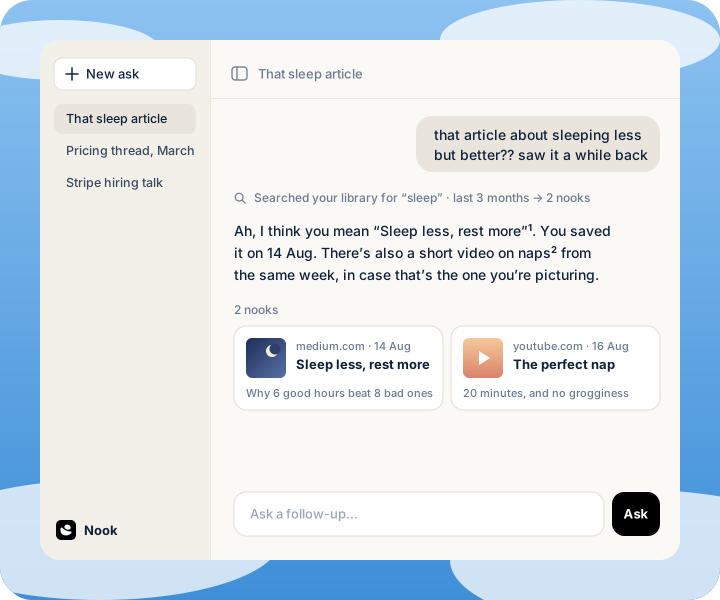
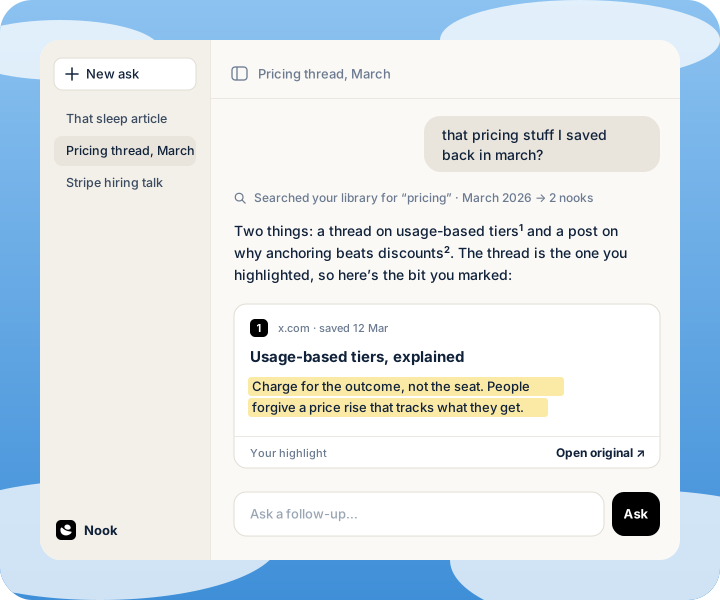
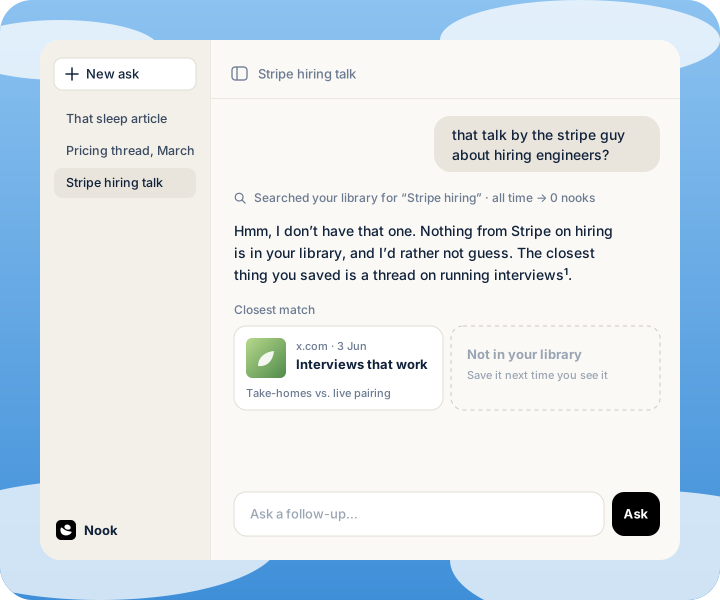
For the thing you know you saved.
Join the waitlistTry asking,
whenever you’re ready
We’re here to help. If you didn’t find the answer to your question, feel free to email us anytime.
You already have it. Somewhere.